
The Virtualize module integrates DATPROF Virtualize with DATPROF Runtime, allowing Virtualize containers and environments to be managed directly from the Runtime interface.
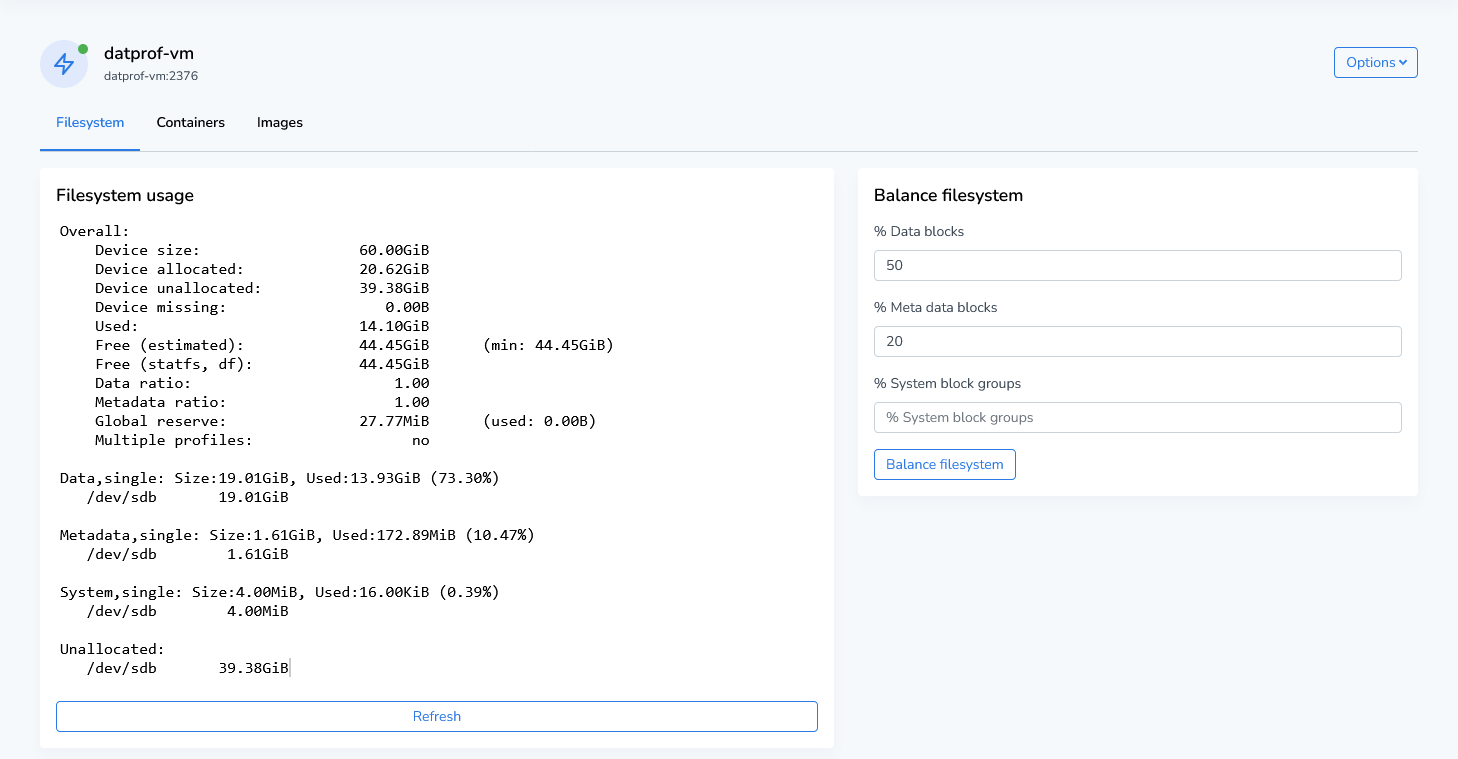
Virtualize uses copy-on-write storage technology to rapidly provision test environments while minimizing storage consumption. Existing environments can be cloned, reset to snapshots, and managed without creating full copies of the underlying data.
Within DATPROF Runtime, users can perform common day-to-day tasks such as:
-
Creating virtualized copies of existing environments
-
Restoring environments from snapshots
-
Managing containers and container hosts
-
Reviewing environment and container logs
-
Executing Virtualize scenarios through Runtime workflows
The Runtime documentation only covers the integration of Virtualize within Runtime. For detailed information about Virtualize concepts, installation, repositories, scenarios, masking, subsetting, container management, and advanced configuration, refer to the DATPROF Virtualize documentation.
Note: Most Runtime users only interact with deployed Virtualize environments through the Runtime interface. Configuration and administration of DATPROF Virtualize are documented separately in the Virtualize manual.