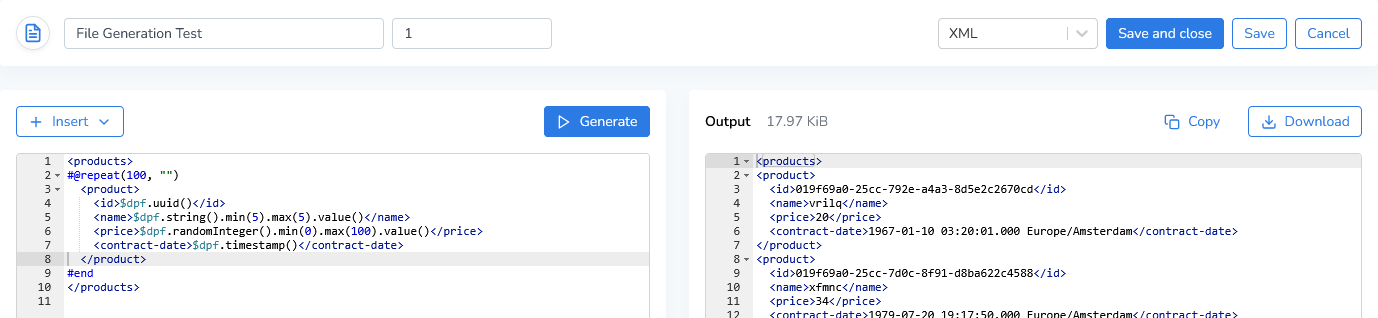
DATPROF Runtime can generate synthetic data directly into files. Using templates, you can create complex XML, JSON, CSV, and other text-based file formats.
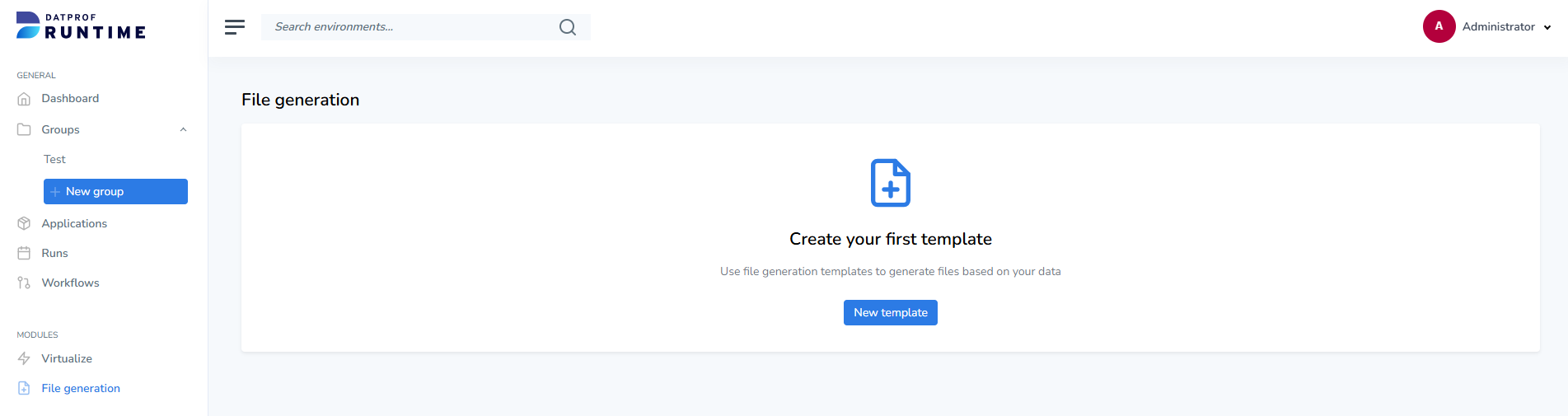
Click “New Template” to create a new file generation template. Existing templates can be edited, cloned, or deleted from the overview page.
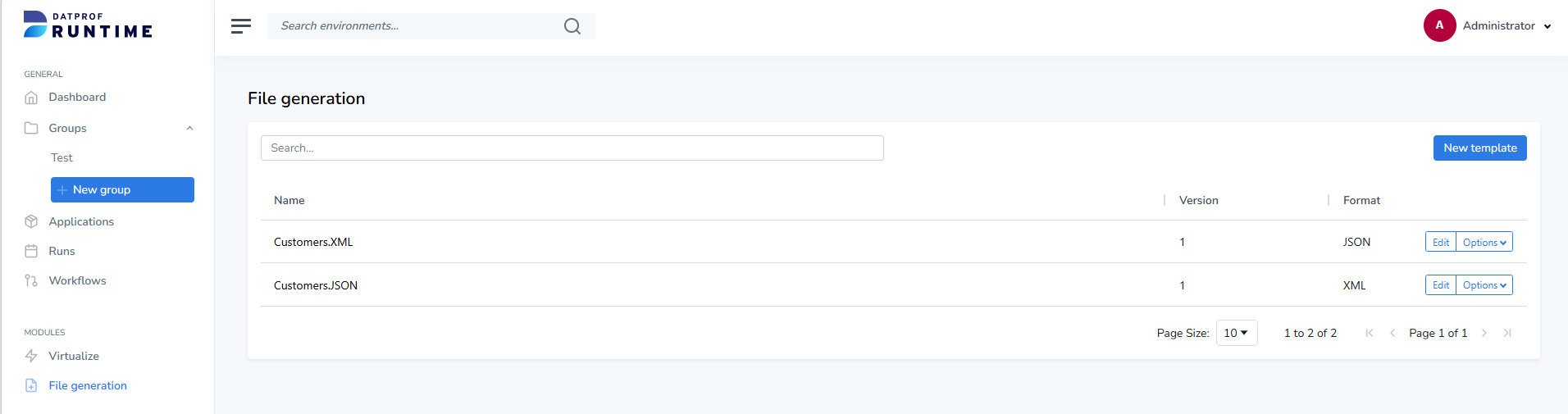
Each template contains the following properties:
-
Name: The template name.
-
Version: The template version.
-
Data Type: The output format of the generated file.
Currently supported data types:
|
Common |
Advanced |
|---|---|
|
Text |
HTML |
|
JSON |
Markdown |
|
CSV |
Properties |
|
SQL |
TSV |
|
YAML |
HJSON |
|
XML |
HOCON |
|
JSONL |
JSON5 |
|
|
TOML |
Select the desired data type from the dropdown menu. This setting enables the appropriate syntax highlighting in both the editor and the output window.
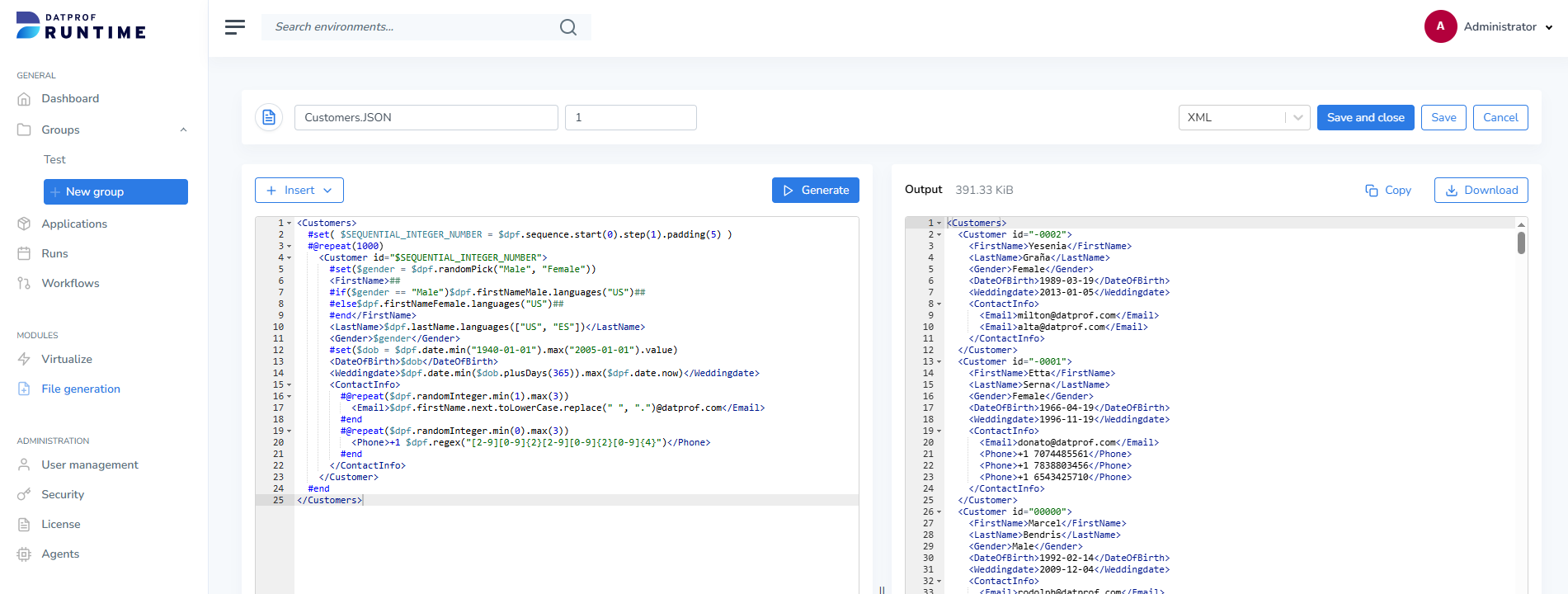
The editor on the left is used to create and modify the file generation template.
Templates use the Apache Velocity Template Language (VTL). Static text is written directly to the output file, while variables, generators, and control structures can be used to generate dynamic content.
The following example generates a simple JSON document containing synthetic customer data:
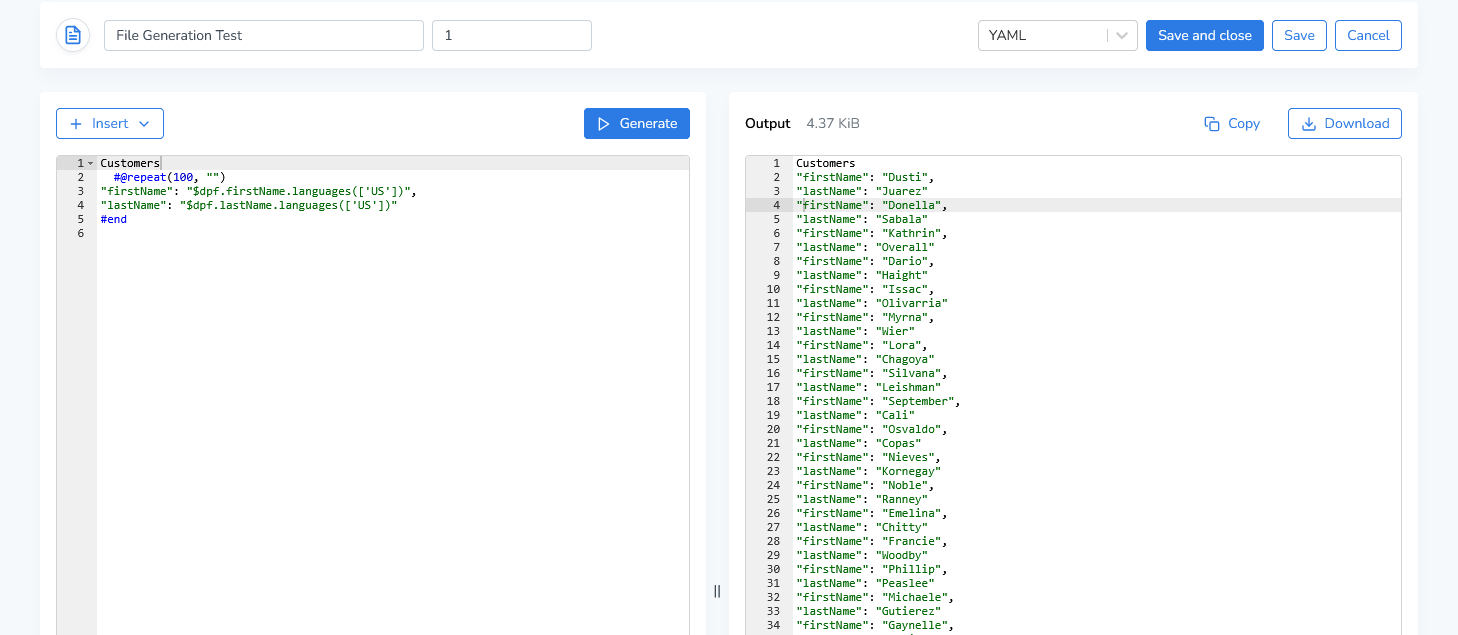
Click Generate to preview the generated output in the pane on the right. The generated content can be copied to the clipboard or downloaded as a file.
Note: Generated output is limited to 10 MB or 30 seconds of processing time. Generation automatically stops when either limit is reached.
Adding Generators
The Insert dropdown above the editor allows you to insert generators and control structures at the current cursor position.
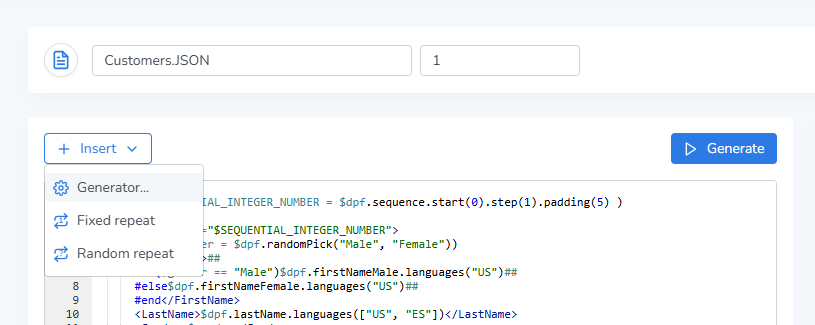
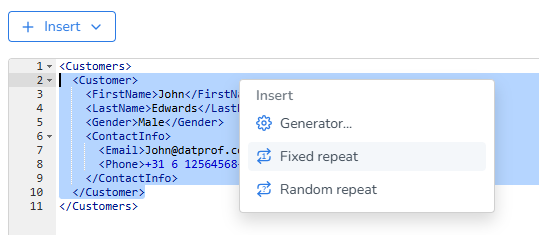
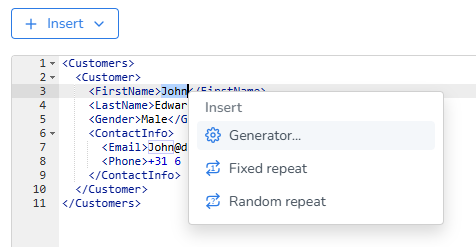
You can also right-click anywhere in the editor to open the context menu. The context menu provides additional options, such as:
-
Repeating a block of content
-
Replacing a static value with a generator
-
Inserting variables and control structures
Generators
Select Generator... from the insert menu to configure a data generator.
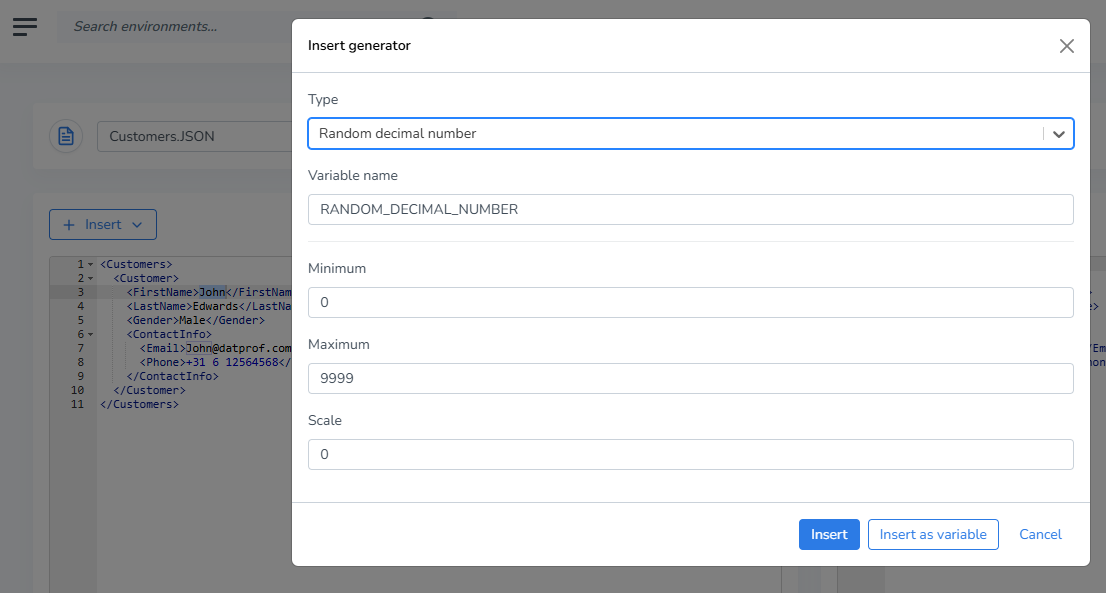
Use the Type dropdown to select a generator and configure its properties. After configuration, the generator can be inserted directly into the template:
$dpf.firstName.languages(["US"])
Alternatively, it can be stored in a variable and reused throughout the template:
#set( $FIRST_NAME_GENERATOR = $dpf.firstName.languages(["US"]) )
$FIRST_NAME_GENERATOR
Some generators can only be inserted as variables because they must maintain state during generation.
Auto-Completion
File generation templates support both DATPROF generators and standard Apache Velocity directives such as #set, #if, #foreach, #elseif, and #else.
The editor provides context-sensitive auto-completion for generators, variables, and control structures.
Enter the following characters to open the auto-completion window:
-
$: Displays available variables and generators. -
$dpf.: Displays all available DATPROF generators. -
#: Displays available Velocity control structures.
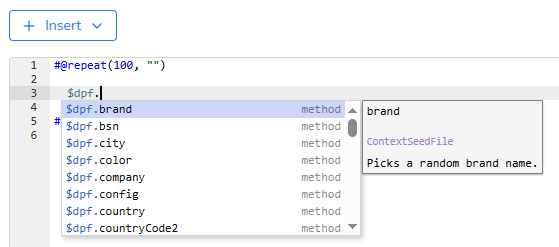
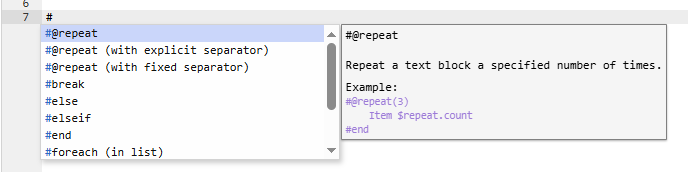
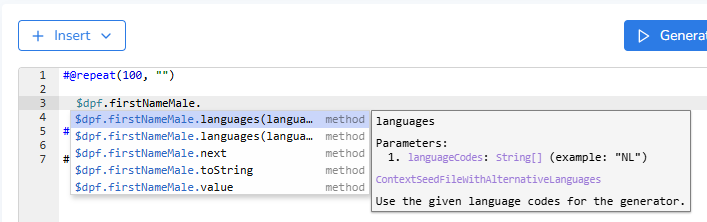
The available suggestions depend on the current context within the template.
Click Save and close to store the template and return to the overview. Save will store the template, but you can continue to work in it. Cancel will return to the overview page without saving any changes.